Before - actual Saleor code
Payment token passed directly to logger.info() as a format argument
# saleor/payment/tasks.py
for transaction_item, event in transactions_with_cancel_request_events:
    logger.info(
        "Releasing funds for transaction %s - canceling",
        transaction_item.token,  # <-- tok_visa_4242 in every log shipper
        extra={"transactionId": graphene.Node.to_global_id(...)}
    )
    except PaymentError as e:
        logger.warning(
            "Unable to cancel transaction %s. %s",
            transaction_item.token,  # same token, now in a warning
            str(e),
        )
in your log aggregator
INFO Releasing funds for transaction tok_visa_4242 - canceling
WARN Unable to cancel transaction tok_visa_4242. Gateway timeout
The token is passed as a %s format argument. It lands verbatim in Datadog, Splunk, CloudWatch, or wherever you ship logs. No exception needed. Every normal operation leaks it.
After - the agent's conversion
Same process_payment() call. Structured, sealed, with the groups it chose.
# agent added one tn.info() call per operation
# groups it chose: finance (amounts/tokens), pii (customer)
# order_id and gateway stay in the clear for tracing

tn.info("payment.process.called",
    gateway=payment.gateway,        # default group, visible
    order_id=str(payment.order_id), # default group, visible
    amount=str(payment.total),      # finance group, sealed
    currency=payment.currency,      # finance group, sealed
    payment_token=str(payment.token) # finance group, sealed
)
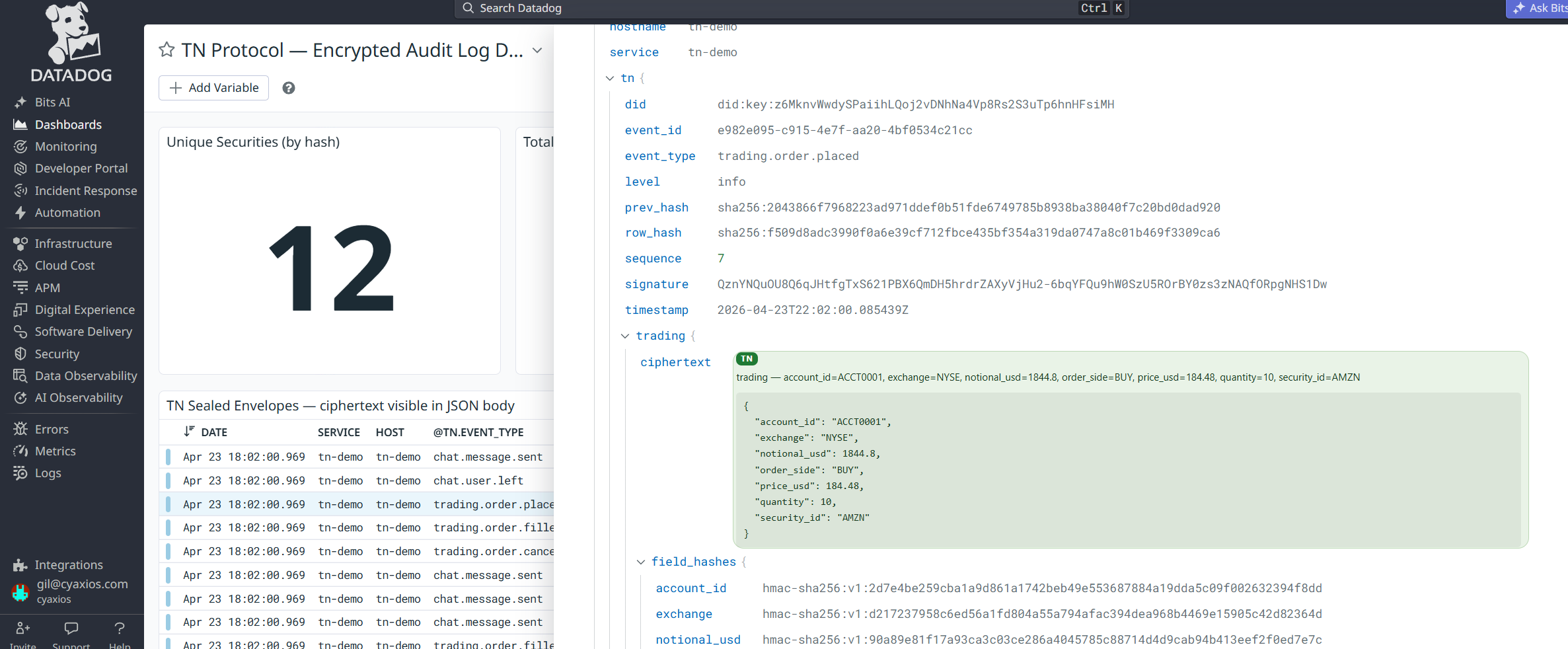
sealed log entry
order_id ord_8fKq
gateway mirumee.payments.dummy
finance ●●● AXDwM/ljS4F9ZM2P…
The event is recorded. The order is traceable. Amount and token are locked inside the finance group, readable only by whoever holds that key.